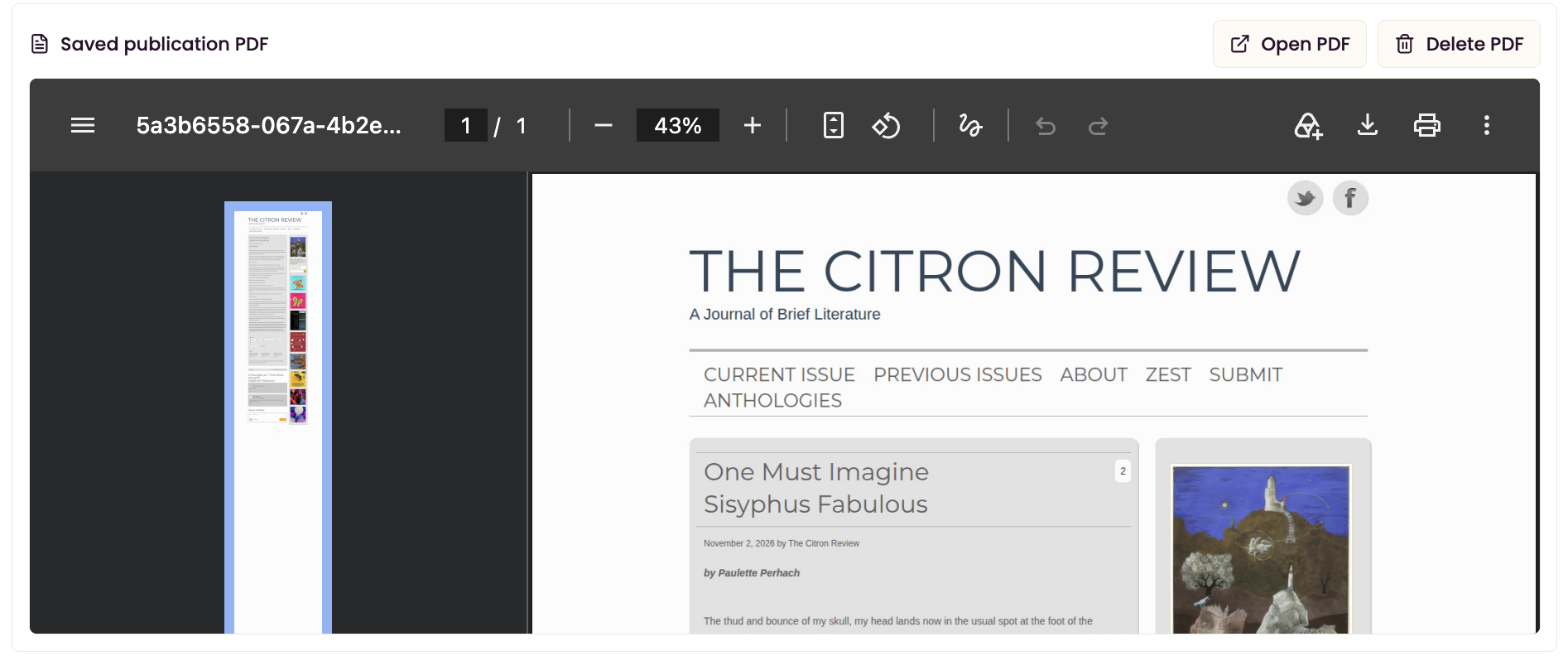
Save your work so you don’t lose it.
You can’t trust online publications to keep your published work online. Now with Writer’s Life OS you can download a PDF so that you have your clip no matter what.
To get started…
Open Writer’s Life OS and head to your My Creative Works Section.

Click on the name of the Creative Work you’d like to save the PDF for, or click on New Work if you don’t have it in the system yet.

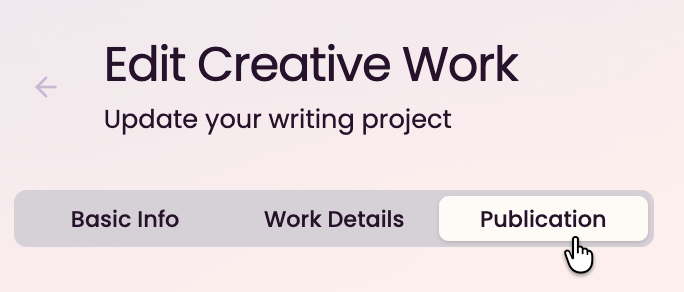
Click on the Publication tab.
If the website requires a log in, click the checkbox next to Publication link requires email and password. It will request your log in info.

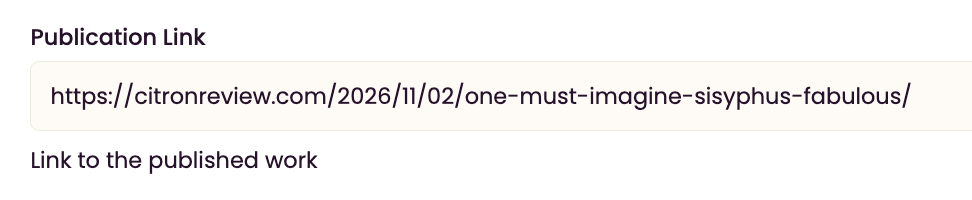
Paste the link to the published piece in Publication Link.
Click the button that says Save PDF.

Voila! You’ll see the PDF appear below.